A fast, minimalist, powerful and totally free PDF viewer for Android. Open source with total privacy — no data collection, no ads, no bloat. Just blazing-fast PDF reading in 5.1 MB.
MJ PDF Reader is a fast, minimalist, powerful and completely free PDF viewer for Android, created by the developer known as Mudlej. It is proudly open-source and available on GitLab for anyone to inspect, use, or contribute to.
Unlike bloated PDF readers that demand excessive permissions, show ads, or quietly harvest your data, MJ PDF Reader was built with a single focus: reading PDFs quickly and privately. At just 5.1 MB, it's one of the smallest full-featured PDF viewers available for Android.
With features like blazing-fast search, dark mode, Text Mode, auto scroll, table of contents, and hyperlink support — MJ PDF punches far above its weight. It also supports opening PDFs from URLs and remembers your last read position in every document.
Search across large PDFs in milliseconds. Pages render smoothly even on older Android devices running 5.0+.
MJ PDF does not collect any personal data. No analytics, no trackers, no advertising SDKs — just a clean, private PDF reader.
The complete source code is available on GitLab. Free forever with no in-app purchases, no subscriptions, and no ads.
Open multiple PDFs simultaneously. Supports Android 5.0 through 14 across arm64-v8a, armeabi-v7a, x86, and x86_64 architectures.
MJ PDF Reader packs a powerful set of features into a lightweight 5.1 MB package — no compromises needed.
Instantly search any keyword throughout the entire PDF document. Filter results further with a secondary query. Results are expandable for more context, and the selected result is highlighted directly on the page.
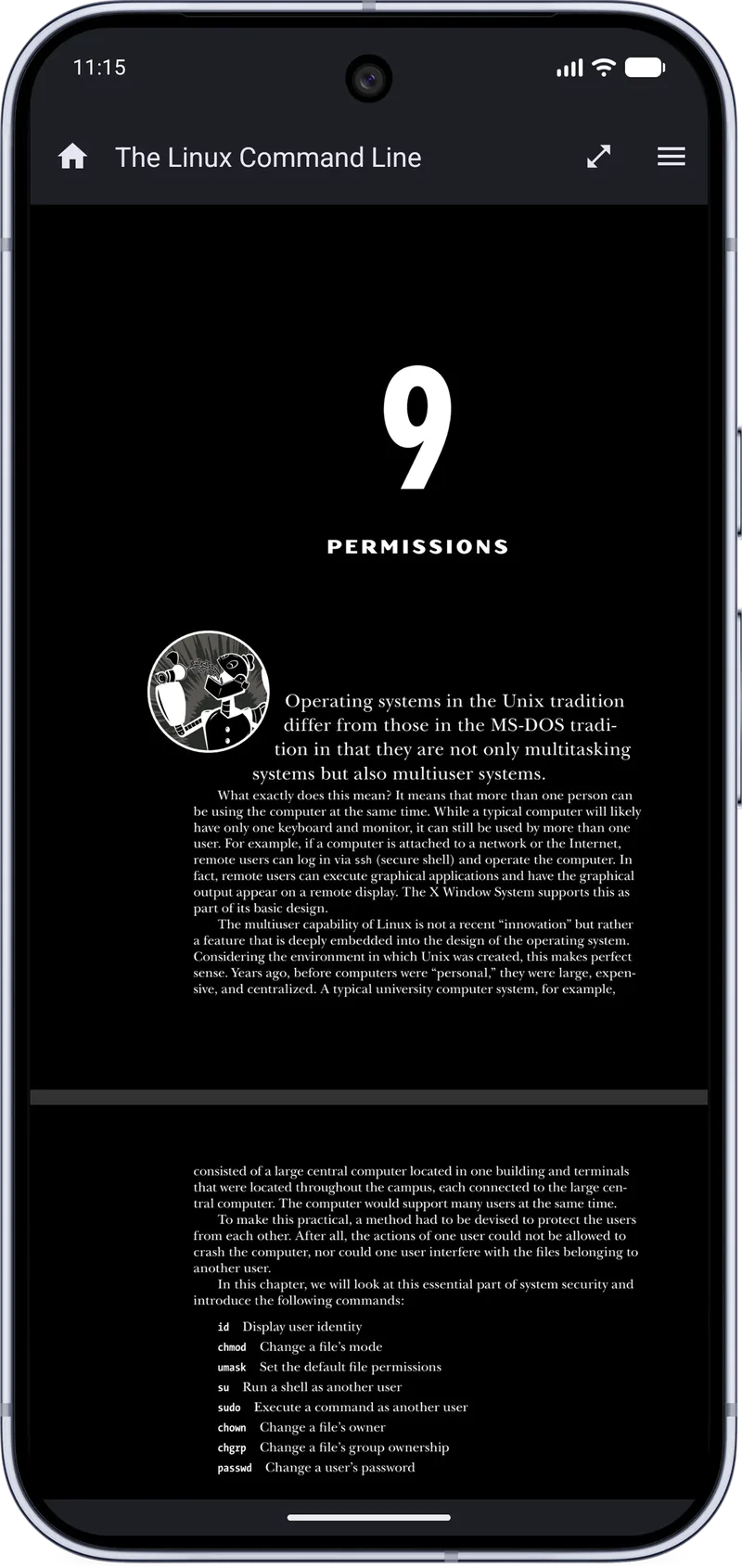
⚡ Instant ResultsSwitch between Light and Dark mode for comfortable reading at any time of day. Dark mode reduces eye strain during extended reading sessions and conserves battery on AMOLED screens.
👁 Eye FriendlyView the PDF as plain text for a distraction-free reading experience. Customize text size, text color, and background color. Your preferences and last opened page are saved automatically across sessions.
🎨 CustomizableHands-free reading with auto scroll at adjustable speeds. Scroll forward or backward automatically. Exits cleanly when you leave Full Screen Mode so you're always in control.
🤲 Hands-FreeDedicated Table of Contents page to navigate large documents quickly. Jump to any chapter or section instantly without having to scroll through hundreds of pages manually.
🧭 Quick NavFull hyperlink support within PDFs — tap any embedded link to open it. A dedicated Links page lists all URLs embedded in the document, making it easy to review and open external references.
🌐 Fully LinkedImmersive full-screen reading with a toolbar containing shortcuts for screen rotation, brightness control, auto scroll, horizontal scroll lock, and screenshot capture — all in one swipe.
🖥 ImmersiveAutomatically remembers the last page you read in every document. Reopen any PDF and pick up exactly where you left off — even across multiple documents simultaneously.
🔖 Auto BookmarkOpen PDFs directly from URLs and links without needing to download them first. Download and save online PDFs to your device storage. Share and print PDFs directly from the app.
🔗 URL SupportComplete technical specifications for MJ PDF Reader v2.2.1.
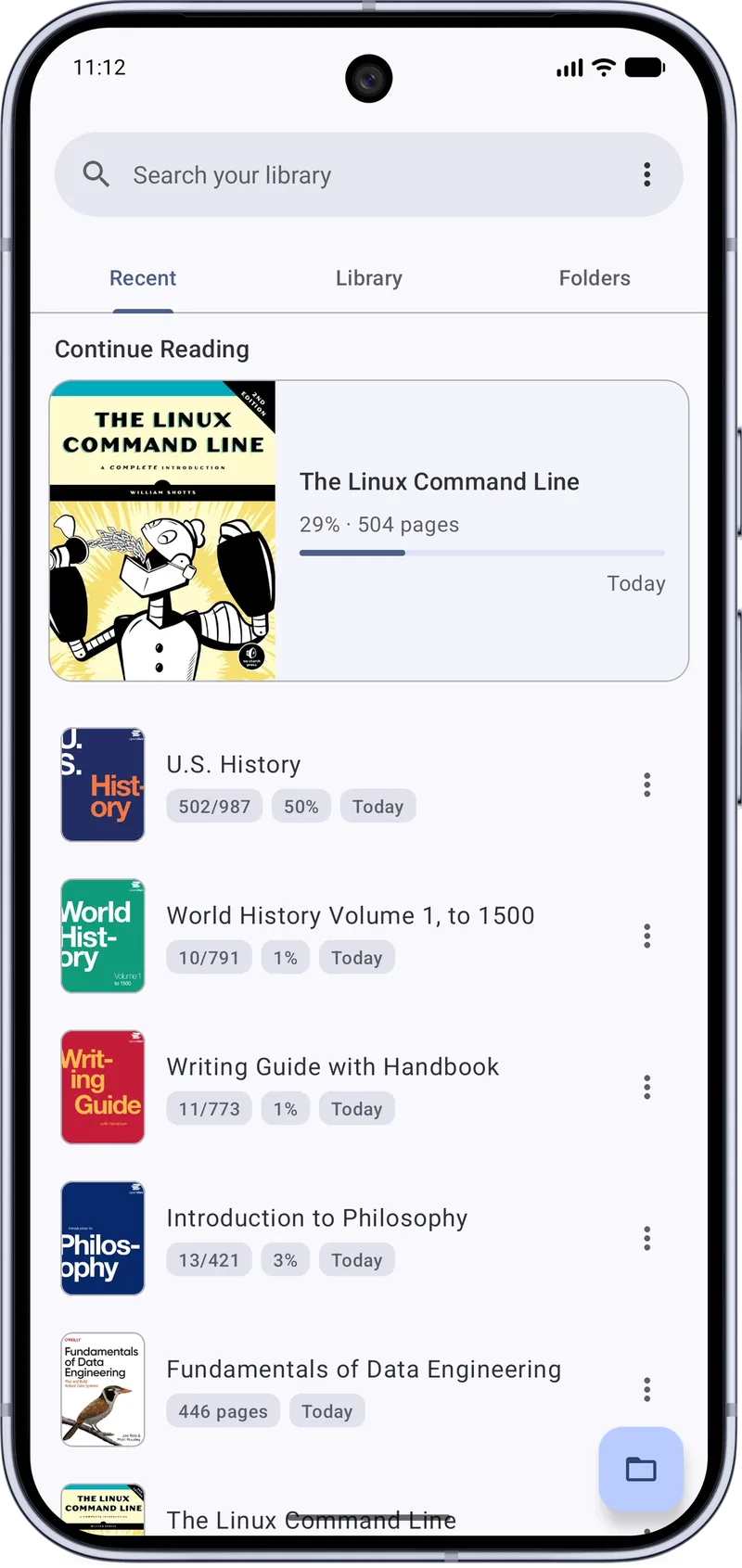
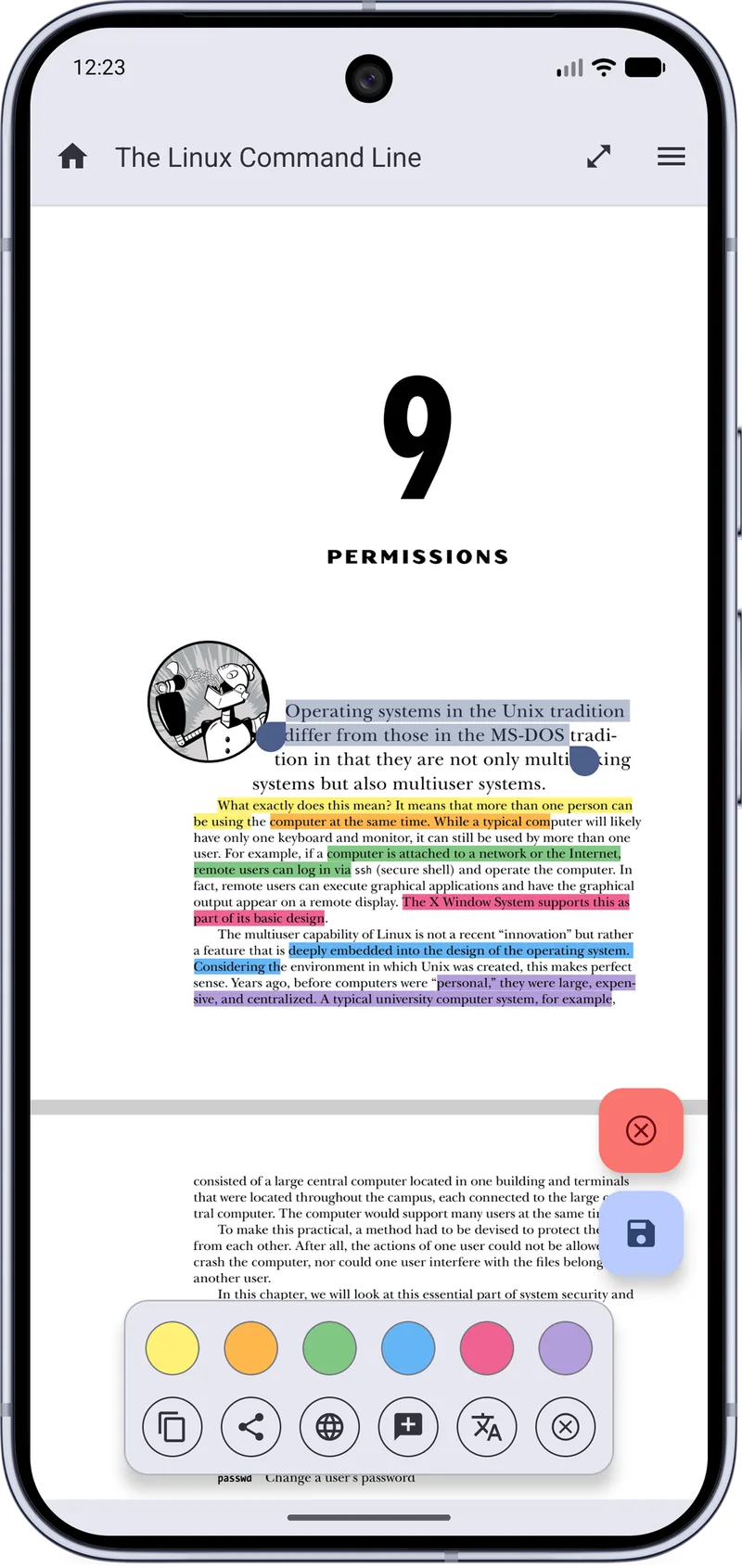
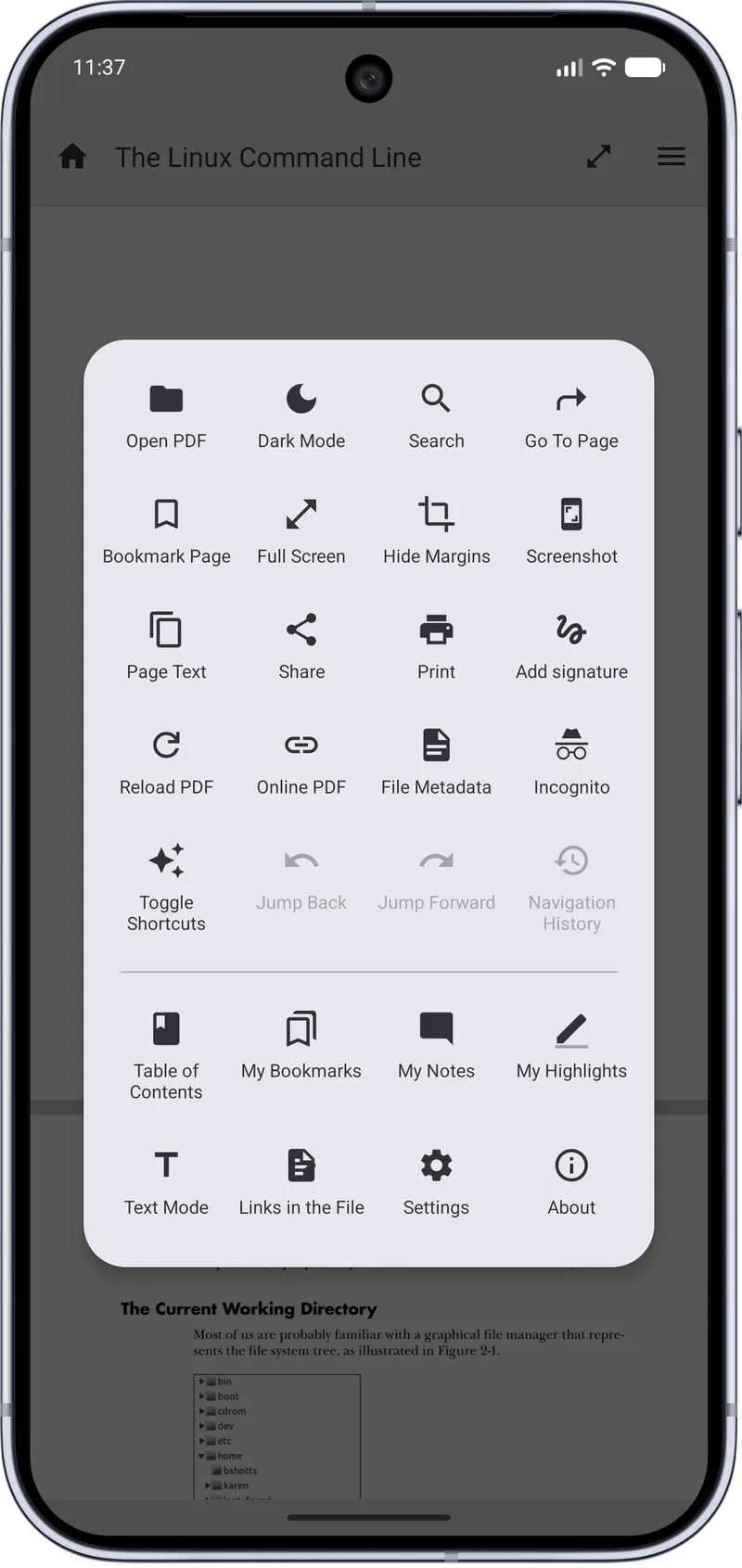
See MJ PDF Reader in action — light mode, dark mode, and the main menu interface.
Version 2.0.0 introduced a major overhaul with a new brand identity, blazing-fast search, Text Mode, and dozens of quality-of-life improvements.
A complete rebranding plus over 20 new features and fixes
MJ PDF Reader is committed to your privacy. It collects no data and requests only the permissions strictly necessary to function.
Required only for opening PDFs through URLs and links. This permission is not used for any advertising, analytics, or data collection. If you never open PDFs from online links, this permission is never actively used.
Required for saving downloaded PDFs to your device and for opening PDFs stored in your device's local storage. No files are accessed beyond what you explicitly open in the app.
MJ PDF Reader does not collect any data. There are no analytics SDKs, no advertising frameworks, no crash reporting services, and no network calls to any third-party servers. Your PDFs, reading history, and usage patterns remain completely private on your device. The app is open source — you can verify every line of code yourself on GitLab.
Install MJ PDF Reader APK on your Android device in under 2 minutes with these simple steps.
Open Settings → Security. Toggle on Install from Unknown Sources or Allow from this source to permit APK installation.
Tap the Download APK button on this page. The file mj-pdf-2.2.1.apk (~5 MB) will save to your Downloads folder.
Optionally scan the downloaded APK with your antivirus app for extra peace of mind before installing.
Open your File Manager, navigate to Downloads, and tap the APK file. Follow the on-screen prompts to install.
Open MJ PDF Reader from your app drawer and open your first PDF. All features are immediately available, no account needed!
The latest version — free, open source, and only 5.1 MB. No account required.
Everything you need to know about MJ PDF Reader, its features, privacy, and installation.
Add your contact details here (support email, contact form link, or social profiles).
Add your privacy policy text here (what data is collected, how it’s used, and user rights).
Add your disclaimer text here (informational purposes, external links, and liability limitations).
Add your terms and conditions here (usage rules, licensing, limitations, and changes).